

Why Pigmy Agents Must Never Use Their Personal Phone for Bank Collections
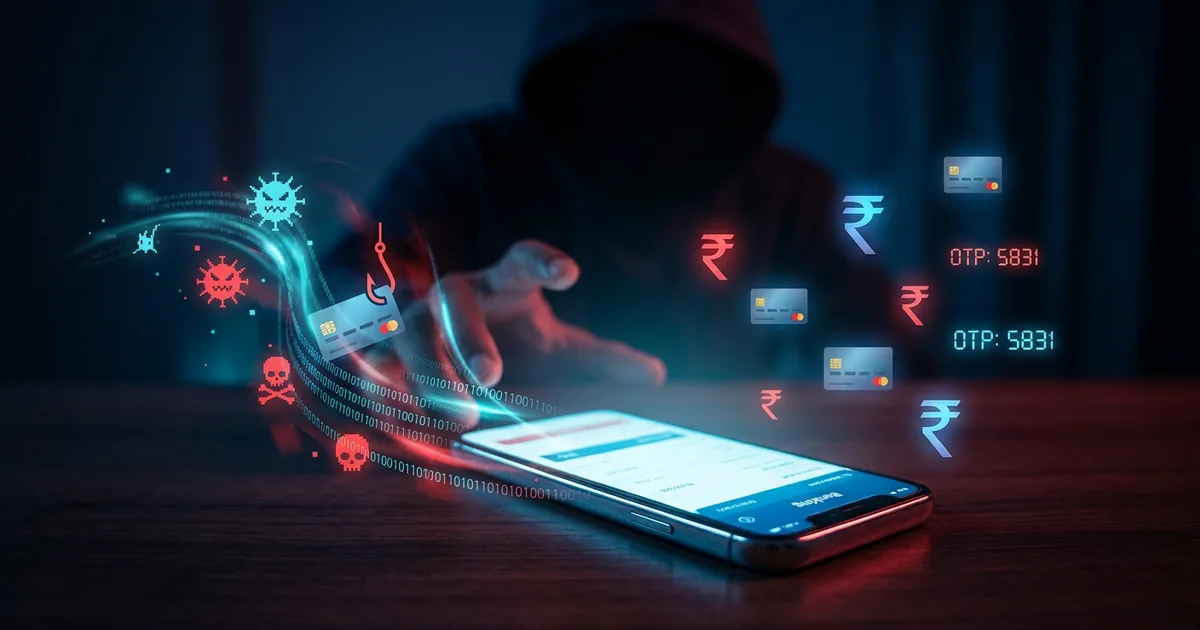
Your pigmy agent collects ₹500 from a member. They open the collection app on their Android phone, tap a few buttons, and hand over a printed receipt. The transaction looks fine. But in the background, a loan app installed three weeks ago is quietly reading the contacts list, camera, and storage. It has already copied your member database.
You will never know this happened. There is no log. There is no alert. The agent did nothing wrong — they just installed an app they saw in an advertisement.
This is not a hypothetical. It is happening to cooperative banks across India right now.
The Problem No One Talks About in Banking Meetings
When a bank gives an agent permission to run pigmy collection software on their personal Android phone, the bank is not just installing one app. The bank is accepting every other app that agent has ever installed — or will ever install — on that phone.
A personal Android phone is, by design, a multi-purpose device. It is built to install apps freely from the Play Store, from WhatsApp forwards, from browser downloads. The agent uses it to watch YouTube, chat with family, play games, and handle your bank's transaction data — all on the same device, in the same memory, with the same permissions.
Banks do not choose what else is on that phone. Banks have no visibility into it. Banks have no way to control it.
This is what the security world calls an unmanaged endpoint — and it is one of the most common entry points for data theft in financial services.
What Can Actually Go Wrong — Explained Simply
1. A Malicious App Reads Your Member Data
Android apps request permissions: contacts, storage, camera, location. A loan app, a free game, or a cracked APK downloaded from outside the Play Store can request "read storage" permission. If the agent taps "Allow," that app can read files on the device — including transaction records, exported reports, and member data stored by your collection app.
Real-world parallel: In 2021-2023, Indian regulators identified dozens of loan apps on the Play Store that harvested contacts and call logs from borrowers' phones. The same technique works equally well against banking agent apps. The agent does not know. The bank does not know. The data is already gone.
2. WhatsApp Forwards Can Install Malware
An agent receives a WhatsApp message: "Free recharge offer — install this app." They tap the link, install the APK, and nothing obvious happens. In the background, the app now has access to the device's clipboard — which means it can read the OTP your banking app just received. Or it can read any account numbers, balances, or member IDs that appeared on screen.
This is called a clipboard hijack attack. It requires no hacking skill. A teenager with a laptop can build one using freely available code.
3. The Agent Loses the Phone
An agent loses their personal phone on a bus. On that phone: the banking app is still logged in. The transaction history from the last session is in local storage. The agent's saved password auto-fills when someone opens the app.
A bank-issued managed device has a remote wipe command. The bank's IT team wipes the device the moment it is reported lost. Clean.
A personal phone? The bank cannot do anything. The bank does not own the device. The bank cannot contact the operating system. The data sits on that phone until the battery dies or someone factory-resets it — which could be weeks later.
4. A Fake Version of Your Collection App
This is the attack security professionals fear most for field banking: the fake app overlay.
The agent is tricked into installing what looks like the collection app — same icon, same name — but it is a fake. When they type their login credentials, the fake app captures them and sends them to a remote server. The real app then opens (so the agent notices nothing), and within hours someone in another city logs into your bank system using stolen credentials.
This attack requires the agent to install a file from outside the Play Store. On an unmanaged personal phone, nothing stops this. On a managed device, the operating system is locked to only allow approved apps. The fake app cannot be installed at all.
5. SIM Swap and OTP Theft
OTP-based authentication is the last line of defence for many banking logins. If an attacker can redirect an agent's SIM to a new phone (a SIM swap attack), they receive all OTPs meant for that number. Combined with a stolen password, this gives complete account access.
SIM swaps happen. Telecom employees can be bribed. The defence is not to rely solely on OTP — it is to bind authentication to a specific managed device, so that a SIM swap alone is not enough to take over an account.
What India's Largest Banks Already Do
This is not a new problem. Large banks in India solved it years ago with the same answer: dedicated, organisation-managed devices for field agents.
State Bank of India Business Correspondents operate using SBI-issued POS devices. The BC agent does not bring their personal phone to a customer's home and process a transaction on it. They use the device SBI gave them, running software SBI approved, with settings SBI controls.
Microfinance institutions that work at the village level — operating at scale, with thousands of field agents — use handheld Android terminals that are locked to a single application. The field officer cannot install WhatsApp on it. Cannot download a game. Cannot browse the web. The device does one job.
HDFC Bank and Axis Bank Business Correspondent programmes specify in their BC agreements that transaction devices must be bank-approved. A BC using their personal phone for AEPS (Aadhaar-Enabled Payment System) transactions violates the agreement.
The reason every large bank does this is the same: they cannot accept the liability of unmanaged endpoints touching customer financial data.
A cooperative bank or PACS is no different. Your members' money and records deserve the same protection.
What "Organisation-Managed Device" Actually Means
When security professionals say "managed device" or "MDM device" (Mobile Device Management), they mean a phone or tablet where the organisation — not the individual user — controls what is installed, what can run, and what happens when something goes wrong.
In practice, for a pigmy collection device, this means:
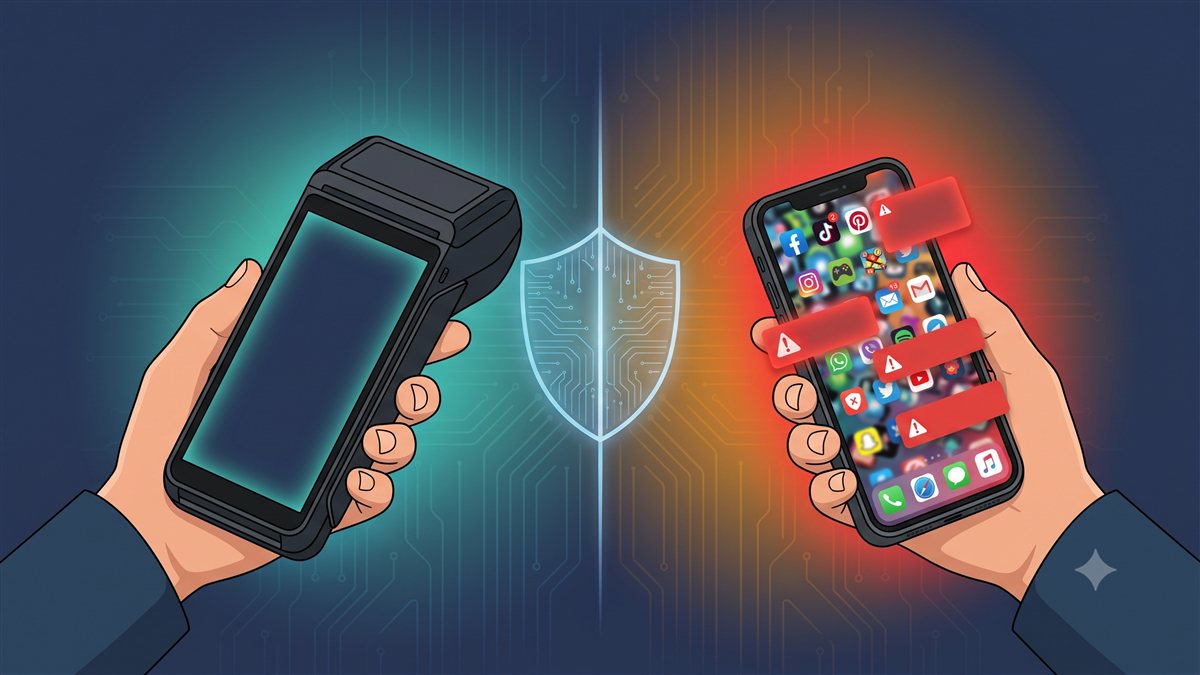
| Feature | Personal Phone | Smart POS (Managed Device) |
|---|---|---|
| Apps installed | Whatever the agent wants | Only the collection app — locked |
| App installs from unknown sources | Possible | Blocked by OS policy |
| WhatsApp, games, social media | Present | Cannot be installed |
| Lost device — bank response | Nothing | Remote wipe within minutes |
| Who controls the device? | The agent | The bank |
| Audit trail of device activity | None | Full session log |
| Screen visible to agent's family | Yes | Not when locked |
How ezPigmy's Smart POS Solves This
The ezPigmy Pigmy Collection Machine is a purpose-built Android terminal managed by the bank — not the agent.
Locked to one application. The Smart POS runs the ezPigmy collection app and nothing else. There is no Play Store. There is no browser. There is no way for the agent — or anyone else — to install a second app. The attack surface is removed, not reduced.
Cryptographic session binding. Each login session is mathematically bound to the specific device that created it. If a password is stolen and someone tries to log in from a different device, the system rejects it — the session token is not valid on any other hardware. This is the same DPoP standard described in our security architecture post.
Remote wipe. If a device is lost or an agent leaves the organisation, the bank can remotely wipe the device from the management console. The data does not travel home with the agent.
No personal data on device. The agent's contacts, photos, and messages are not on this device. There is nothing personal to leak. The only data on the device is encrypted session data that is cleared at logout.
Built-in thermal printer. Transaction receipts print on the spot. The agent does not need to forward a WhatsApp message or save a screenshot. The paper receipt is the record — no digital copy is sent over personal messaging channels.
Full audit trail. Every login, every collection entry, every session start and end is logged with a timestamp and device identifier. Your bank's auditor can see exactly what happened on that device, when, and who was logged in.
The Real Question for Bank Management
The honest question every bank manager should ask is this:
"If one of our agents' personal phones is compromised tomorrow — malware, stolen phone, fake app — what is our liability to our members? What can we do about it?"
On a personal phone, the answer is: very little. The bank has no visibility, no control, no recourse. The data breach happened on a device the bank never owned.
On a managed Smart POS device, the answer is: everything. The bank can wipe it remotely, revoke the session, pull the audit log, and show regulators exactly what happened — and that the breach did not originate from bank-issued infrastructure.
RBI's IT guidelines for cooperative banks (Master Circular on IT in UCBs) require banks to implement access controls over devices used to access banking systems. "Use the agent's personal phone" does not satisfy this requirement. A managed, bank-issued device does.
A Simple Test for Your Bank
Ask your pigmy agents these three questions today:
- Do you have WhatsApp installed on the phone you use to collect pigmy?
- Have you installed any other apps on that phone in the last six months?
- If you lost that phone right now, could we wipe your collection data from it remotely?
If the answers are Yes, Yes, and No — your bank is running a security risk that regulators are increasingly watching for in cooperative bank audits.
The fix is not a policy document. Policies on a personal phone cannot be enforced. The fix is a managed device — hardware the bank controls, with software the bank approves, on an operating system the bank manages.
Summary
- A personal phone runs dozens of apps the bank never approved and cannot control.
- Malware, WhatsApp-spread malicious APKs, clipboard hijacks, and fake app overlays are real, documented attacks that exploit personal devices.
- India's largest banks — SBI, HDFC, Axis, all major MFIs — use dedicated managed devices for field agents. This is not precaution; it is standard practice.
- A managed device removes the attack surface entirely: no unauthorised apps, no personal data, remote wipe, full audit trail.
- The ezPigmy Smart POS is a purpose-built managed collection terminal that gives cooperative banks the same protection level that large commercial banks enforce for their field operations.
If you would like to see how the Smart POS works for your bank's pigmy collection, book a free demo.
References
Reserve Bank of India — Cyber Security Framework for Urban Co-operative Banks (UCBs). RBI Notification (Dec 2019). Requires UCBs to implement access controls on devices used to access banking systems.
Reserve Bank of India — Guidelines on Digital Lending. RBI Press Release (Aug 2022). Implementing recommendations of the Working Group on Digital Lending, including action on unauthorized lending apps that harvested borrowers' personal data.
State Bank of India — Business Correspondent (BC) Arrangement. SBI deploys BCs using bank-issued POS terminals; agents do not use personal devices for customer transactions.
Microfinance Industry Network (MFIN) — Regulatory Information. Industry self-regulatory body for NBFC-MFIs operating field agent networks with dedicated terminals.
Reserve Bank of India — Master Directions: Regulatory Framework for Microfinance Loans. RBI Master Directions (Apr 2022). Operational standards for MFIs and BC networks.
Related posts
ezPigmy
Ready to Digitize Your Pigmy Collection?
See how ezPigmy helps cooperative banks eliminate leakage, track agents in real time, and reconcile instantly.
Request a Free Demo