

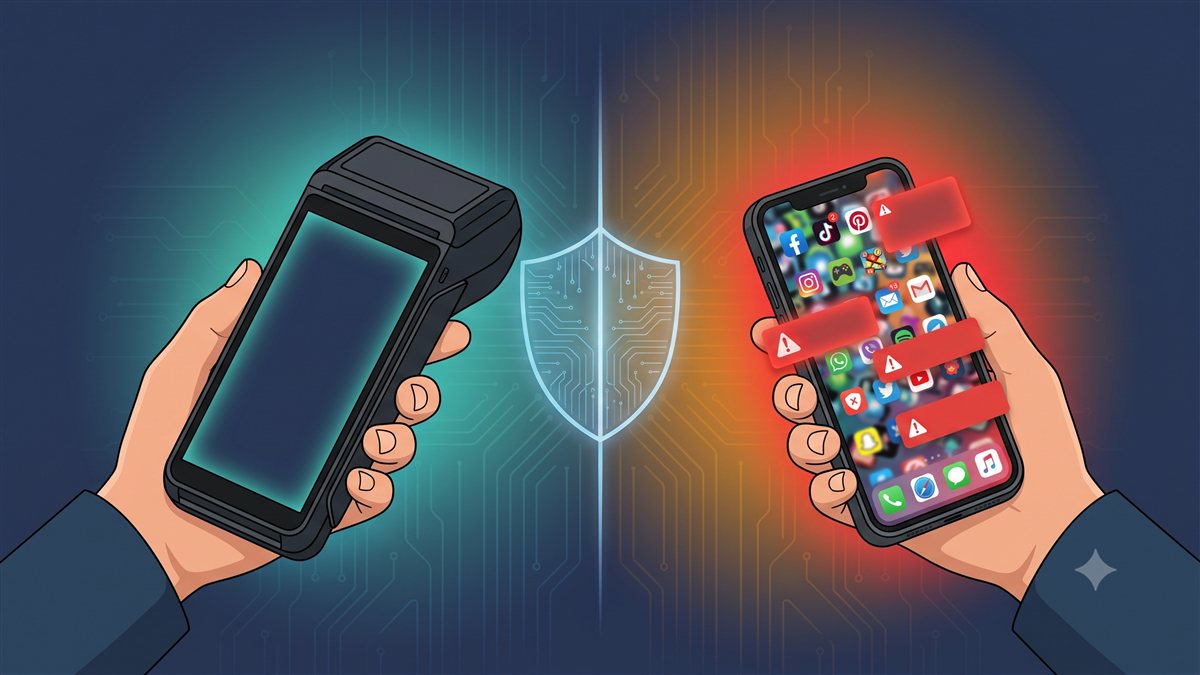
Why Agent Banking Security Starts With the Device, Not Just the App
If you bank with Bank of Baroda, you may have seen this notification on your phone recently:
"Suspicious Links Warning — Unknown messages may trick you into downloading fraudulent apps. Use only official websites and apps for banking and payments. Report Cyber Frauds immediately at cybercrime.gov.in or call 1930."
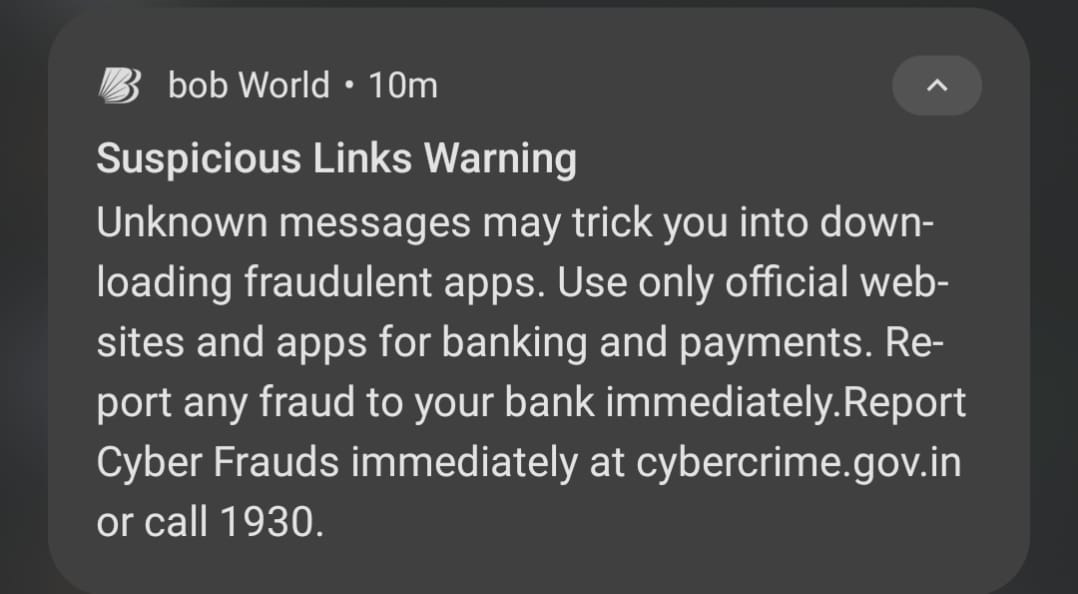
BOB is not being overly cautious. They are responding to a real, growing pattern of mobile-based fraud that is hitting customers across India. The warning is a reminder of something every bank and financial institution already knows: a phone is only as safe as what is installed on it.
Now ask yourself this question: when your pigmy collection agents walk door to door collecting deposits from members, are they doing it on a phone that also has WhatsApp, random games, browser extensions, and apps downloaded from unknown sources?
If the answer is yes, your bank has the same problem BOB is warning its customers about — just on the inside.
Why Do Banks Send These Warnings?
The RBI and major banks regularly issue mobile fraud advisories because the threat pattern is consistent and well-documented:
- Fraudulent apps — lookalike banking apps distributed via WhatsApp links, SMS, or third-party stores that harvest credentials.
- Screen-recording malware — apps granted screen permission that silently record banking sessions, OTPs, and account numbers.
- Keyloggers — background apps that capture everything typed, including passwords and PINs.
- Social engineering via familiar apps — WhatsApp groups are used to distribute malicious APKs disguised as "bank updates" or "KYC forms."
What makes personal phones particularly vulnerable is the simple fact that the user controls what is installed. A bank cannot tell its customer not to install a cricket game or a third-party keyboard. All it can do is warn them.
But your field agents are not customers. They are bank employees handling real member money on behalf of your institution. The standard you can hold them to is much higher than a general public advisory.
What the BC Industry Learned About Device Security
India's Business Correspondent network provides a useful reference point — not because every BC uses a controlled device, but because the sector has direct experience with what happens when it does not.
Where hardware standards exist: For Aadhaar-enabled transactions — cash withdrawal and deposit using biometric authentication — NPCI mandates certified micro-ATM hardware. These devices carry biometric readers (fingerprint/iris scanners), connect to the bank's CBS through secure APIs, and cannot be replaced by a smartphone app downloading from the Play Store. The certification exists specifically because a banking transaction linked to a member's Aadhaar identity requires a tamper-evident, auditable device — not a personal phone.
Where the gap remains: For collection operations that do not go through the Aadhaar biometric route — including many pigmy and chit fund collection apps — there is no comparable hardware mandate. Agents frequently use their personal smartphones. This is the segment where fraud exposure is highest, because the same protections that NPCI requires for micro-ATMs simply do not exist on an unmanaged personal phone.
The honest picture: Parts of the BC network use purpose-built terminals precisely because the risks of personal phones at scale are well understood. Parts of it still rely on agent smartphones, and those segments carry higher exposure. Pigmy collection in cooperative banking sits squarely in the second category — unless the bank makes an active decision to change that.
That decision is exactly what the ezPigmy Pigmy POS device represents.
The Hidden Risk of Pigmy Collection on Personal Phones
Cooperative banks and MFIs running pigmy collection often start with the most affordable option: the agent's personal phone. It works in the beginning. But as your collection volume grows, so does your exposure.
Here is what you cannot control when collection happens on a personal phone:
1. You cannot control what else is installed. An agent's personal phone may have a third-party keyboard that logs every keystroke, a battery saver app with background screen access, or a game downloaded from a link a friend sent on WhatsApp. Any of these can capture member names, account numbers, amounts, and PINs silently.
2. You cannot wipe the device if it is lost or stolen. When an agent's personal phone goes missing, every member record, every session log, and every saved credential on that phone is potentially accessible to whoever finds it. You have no way to remotely wipe it. You have no way to revoke access in real time.
3. You cannot audit what the agent did on that phone. Did the agent share a screenshot of a member's account with someone? Did they export transaction data? On a personal phone, you have no visibility and no log.
4. Member data coexists with personal apps. The same phone that handles a widow's ₹50 daily deposit also has Facebook, Instagram, and a dozen apps that may request contact and storage permissions. A single compromised app on that phone can reach the member data stored by the collection app.
5. The session is not bound to the device. If an agent shares their login credentials with a family member or a colleague, there is no technical control preventing that second person from accessing your collection system from any phone.
These are not edge cases. They are the predictable outcomes of running financial operations on unmanaged personal hardware.
The Controlled Device Model: How ezPigmy Does It Differently
ezPigmy is designed around a purpose-built Pigmy POS device — a controlled, bank-provisioned Android terminal that runs one application: the ezPigmy collection app.
Here is what "controlled" means in practice:
Single-purpose hardware. The Pigmy POS device does not have WhatsApp. It does not have a browser. It does not have the Play Store accessible to the agent. It is not a personal phone with an app installed — it is a purpose-built collection terminal, the same model the BC industry has used for fifteen years.
MDM-enforced application control. The device runs only the ezPigmy application. No third-party app can be sideloaded. No screen recorder can be installed. No keyboard replacement is possible. The attack surface that BOB's notification warns about simply does not exist on this device.
Cryptographic session binding (DPoP). Every agent session is cryptographically bound to the specific device that initiated it. If an agent's login credentials are stolen and someone tries them on a different phone, the session is rejected by the server. A stolen password is worthless without the physical device.
Remote session revocation. If a device is reported lost or stolen, the bank manager can revoke all active sessions for that device from the web portal immediately. The device becomes useless for collection the moment the bank acts.
Full digital audit trail. Every login, every collection, every session close, and every manager action is logged with a timestamp, agent identity, and device fingerprint. Your RBI auditor gets a complete, tamper-evident record of every rupee collected in the field.
Thermal receipt at every transaction. The Pigmy POS prints a receipt on the spot for every deposit. The member has proof. The bank has a digital record. There is no gap between what the agent collected and what the system shows.
The device your agent carries into the field is the first line of security. Everything after that — the app, the server, the encryption — is only as strong as the device you start with.
What This Means for Your Bank
BOB's notification is addressed to individual customers who have no control over what software their bank partner installs on their personal phones. Your bank is in a different position. You can decide what hardware your agents use.
The cooperative banking sector has a trust model that is uniquely personal — members hand over daily savings to an agent who comes to their door. That trust is built over years. A single data breach, a single case of a member's account being compromised because of an app on an agent's personal phone, can undo that trust overnight.
The controlled device model is not an exotic choice. The banking industry has applied it to Aadhaar biometric transactions for this exact reason. Applying the same discipline to pigmy collection is the logical next step.
See the ezPigmy Pigmy POS device
Sources & References
The regulatory requirements and real-world cases cited in this article are drawn from publicly available official sources:
RBI Directions on AePS Touchpoint Operator Due Diligence (June 2025) — RBI/2025-26/63: Banks must implement system-level controls ensuring agent device APIs are restricted to AePS operations only. (Reserve Bank of India)
UIDAI L1 Biometric Device Mandate (effective June 2025) — All Aadhaar-based AePS transactions must use STQC-certified L1 devices with a Trusted Execution Environment (TEE). Personal phones cannot meet this standard. (Biometric Update, January 2025)
NPCI Circular 83 — BC Agent Terminal ID Registration (June 2023) — Every AePS transaction must carry a unique terminal ID registered to the individual BC agent's specific device. (NPCI Circular 83)
State Bank of India Launches Dedicated Mobile Handheld Device for BC Agents (October 2023) — India's largest bank chose purpose-built dedicated devices for doorstep banking agents rather than personal phones. (PIB / News on Air)
Bank of Baroda BC Agent Fraud via Personal Phones (October 2023) — BC agents linked their personal phones to customer accounts and drained ₹22 lakh from 362 accounts; victims were welfare recipients without mobile phones of their own. (Al Jazeera)
AePS Fraud: 11% of All Cyber Financial Crime in India (2024) — I4C data shows AePS fraud amounted to ₹823.74 crore in 2023, driven largely by unmanaged agent device vulnerabilities. (MediaNama)
BOB's warning to its customers is sound advice. The same logic applies inside your institution. The agent who visits your members every day should be carrying a device your bank controls — not a personal phone that you cannot audit, cannot wipe, and cannot protect.
Request a free demo → and see the Pigmy POS device in action.
Frequently Asked Questions
Related posts
Fake Banking Apps Built With AI: Who Is Liable?
Your Head Office Finds Out a Month Later. It Doesn't Have To.
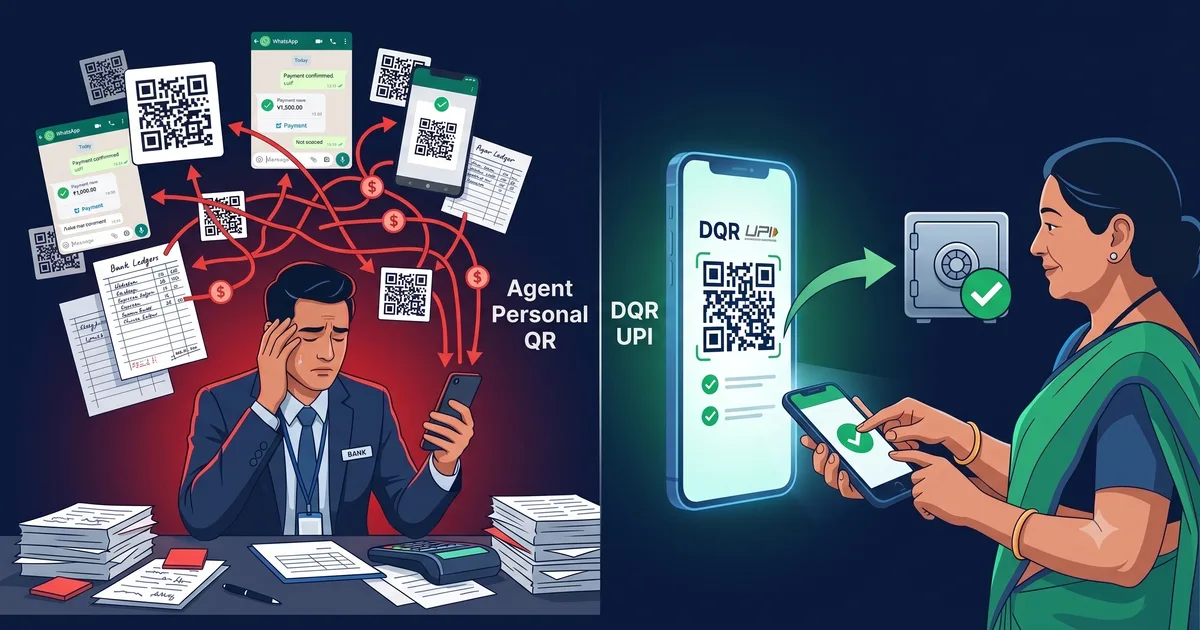
Why Agent UPI QR Codes Are a Reconciliation Trap — And What Smart Banks Are Doing Instead
ezPigmy
Ready to Digitize Your Pigmy Collection?
See how ezPigmy helps cooperative banks eliminate leakage, track agents in real time, and reconcile instantly.
Request a Free Demo